Request Course Reserves
The Hunt Library will place print items on Course Reserve. The items will be placed on shelves behind the 3rd floor Borrow Desk and have a limited check-out of three hours. Instructors can contact the library to place items on Course Reserve by visiting our Reserves Policy website and submitting a request.
Access Course Reserves
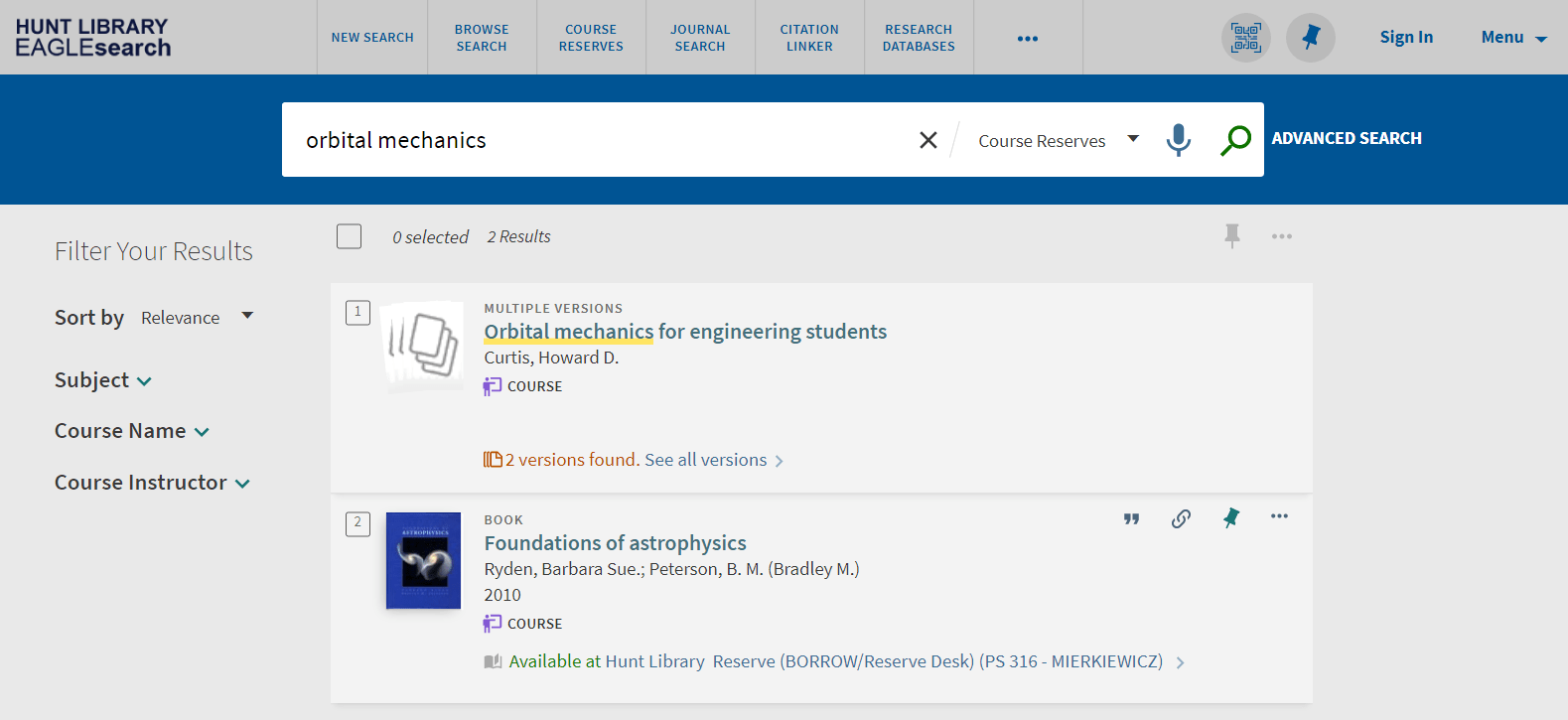
All course reserves are discoverable through EagleSearch by clicking on the Course Reserves link in the top menu.
To use a Course Reserve item, visit the Borrow Desk and request the material. To help library staff locate the item quickly, please provide the course code or call number, which can be found in the item's EagleSearch record. Course Reserve materials may be checked out for up to three hours.
The library’s Scan & Deliver service allows users to request scans of portions of reserve materials and other library resources. To submit a request, locate the item in EagleSearch and select the request option. For complete service details and eligibility guidelines, please visit the Scan & Deliver webpage.

Search for items using the search box.
You can filter your search results by Subject, Course Names (with Number) and Course Instructor.